Braille is still an important pathway to literacy for those who are blind and for those who have low vision. Knowledge of braille can open many more opportunities to students and career seekers. Today I want to tell you about a tool that will make learning braille a more fun activity for both children and adults.
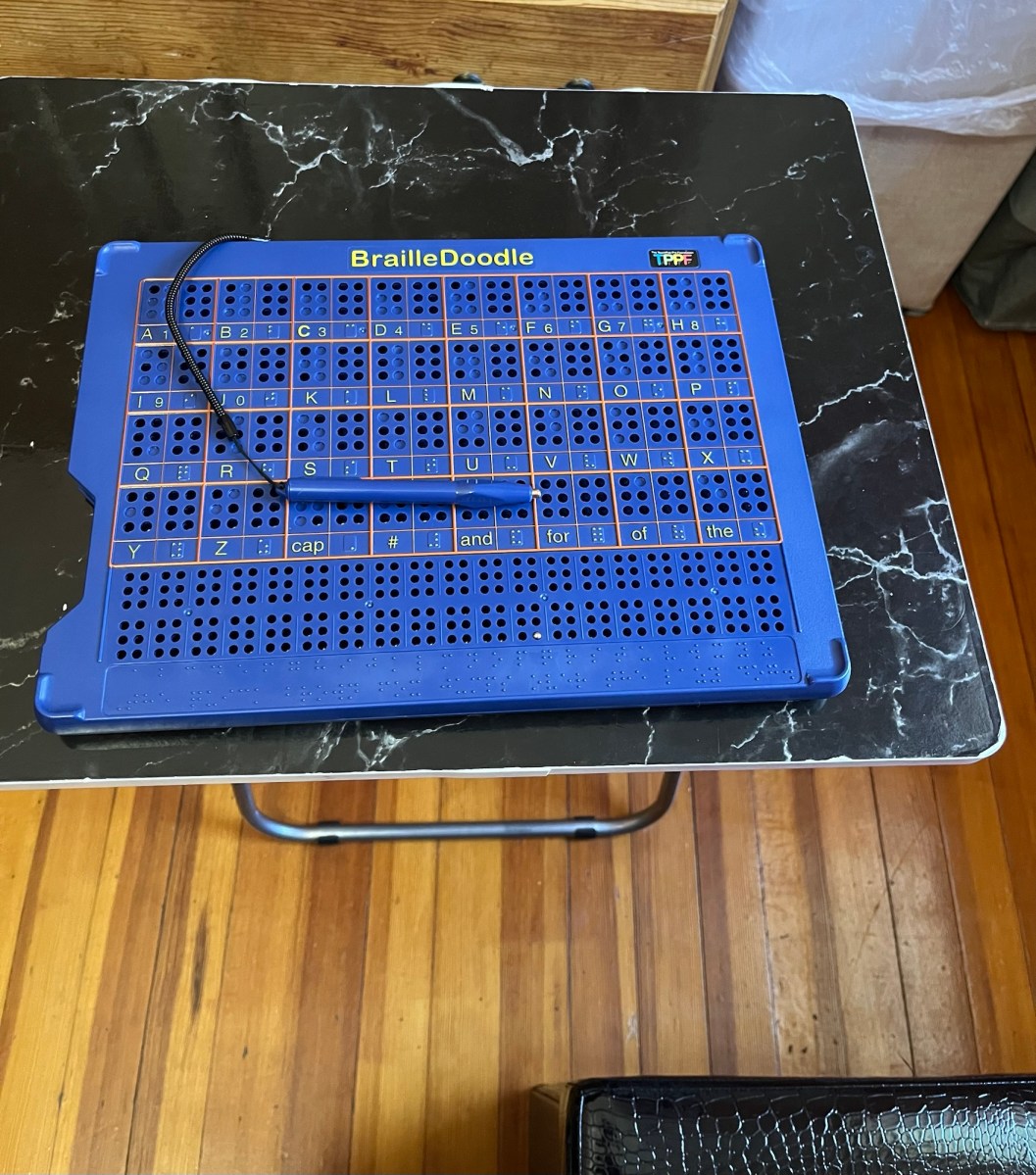
This tool is called the BrailleDoodle. This is produced by the Touchpad Pro Foundation. This is a tablet that contains hundreds of small holes with a metal ball in each hole. A magnetic stylus is attached to the tablet and it is used to pull up the metal ball out of each hole. This allows the braille characters to be formed. The tablet comes with plastic stencils including a stencil that forms braille cells and a stencil that contains the outline of a house and tree.
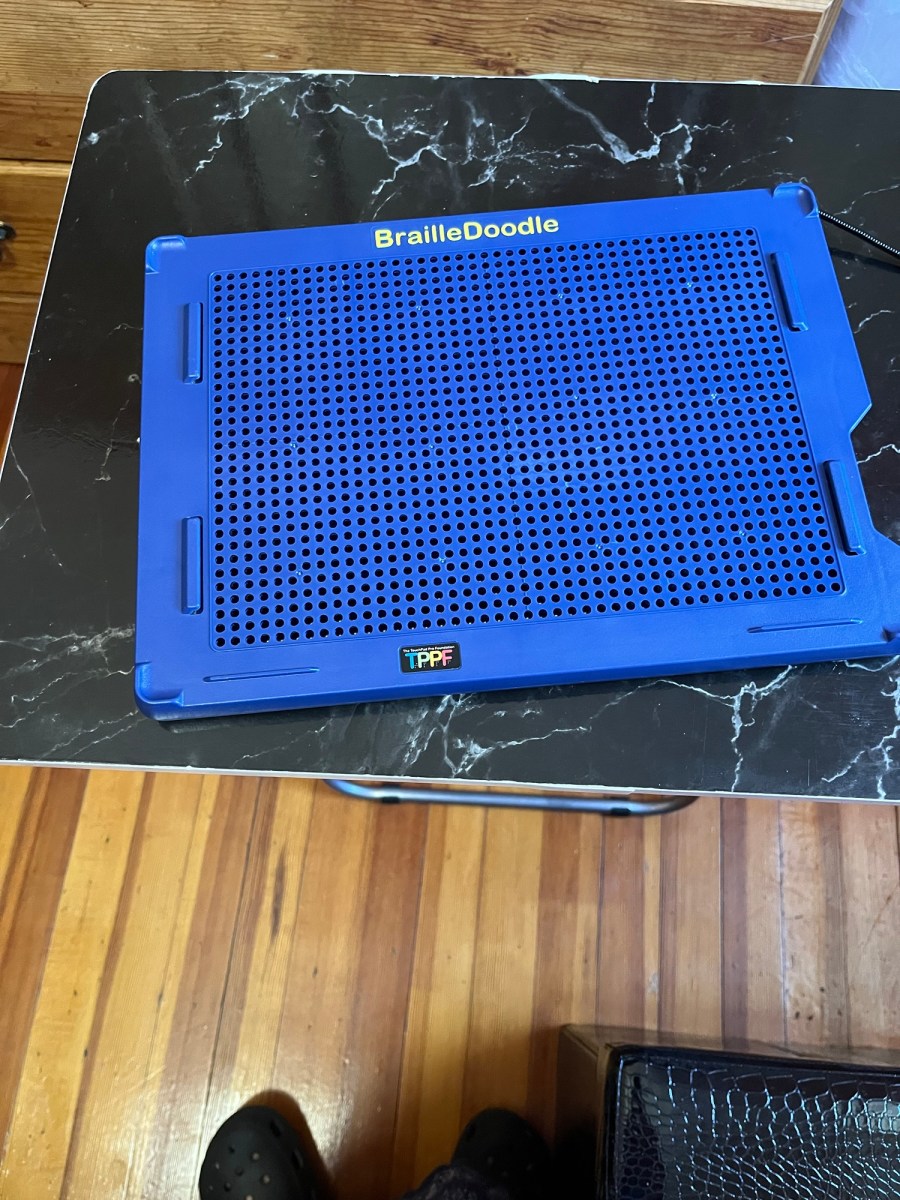
One side of the tablet is a plain open space that allows the user to create tactile images or words. The metal balls stay firmly in place so the creation can be felt. When the user wants to start over they just have to firmly push down on the metal balls and everything is erased.
This is what it looks like.
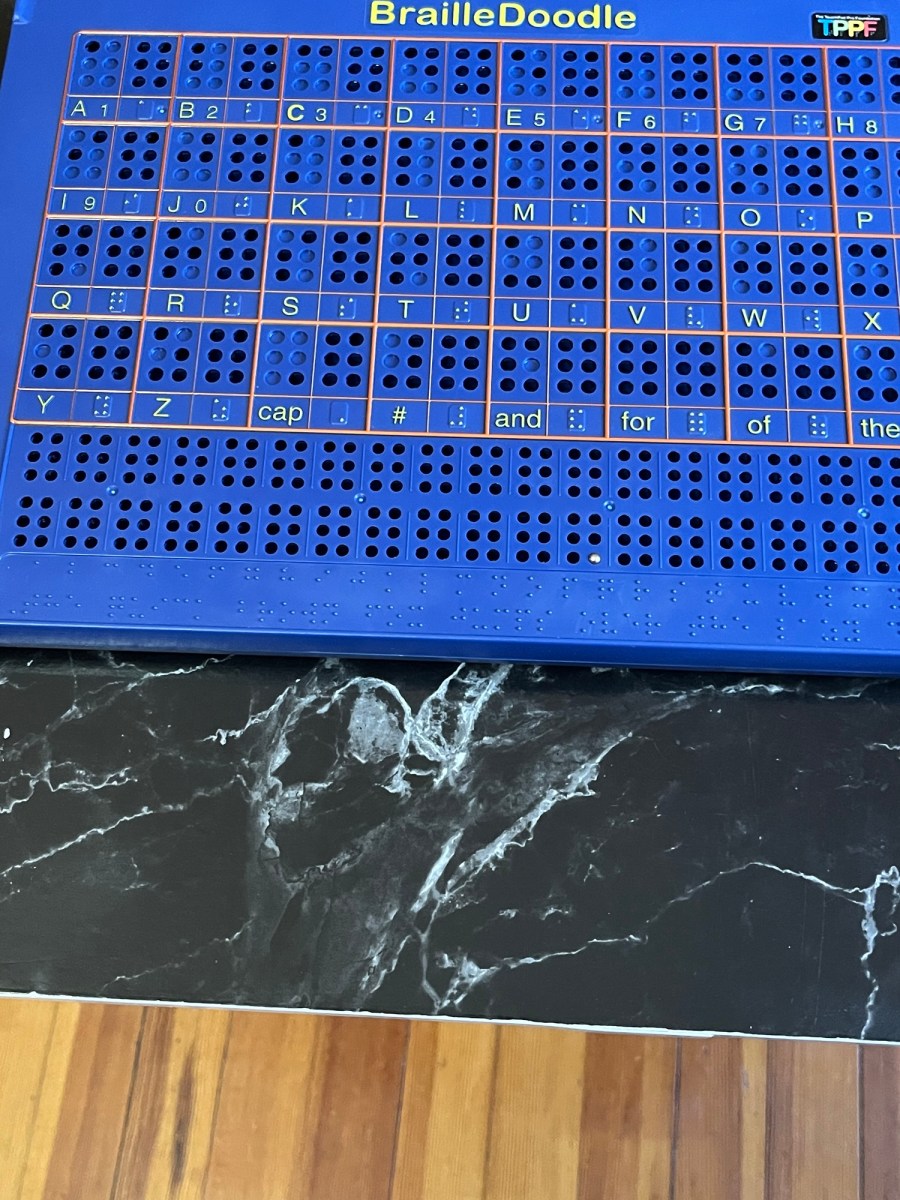
The other side of the tablet is designed to help braille learners practice braille. It contains defined braille cells and it also contains the braille alphabet, numbers, common braille contractions along with a sample sentence.
This is what it looks like.
I recently purchased one for myself as I really want to learn how to read braille. I have tried learning at other times but have not been successful yet. I think his tool will be a very helpful way for me to practice and it will make it fun as well.
This tool can also be used as a tactile way to demonstrate the shape of graphs and complex shapes and I can even see this used to demonstrate maps with a stencil.
I hope this tool gets into the hands of blind and low vision students in every school as it is a relatively low cost tool. I am an adult and I think it will help many adults as well not just with graphs for data analysis but it is also a tool that allows for creativity and entertainment.
If you are interested in learning braille I wrote 2 posts with some tips to memorize the braille alphabet, you can read them at the links below.
Some Helpful Tips for Memorizing the Braille Alphabet (Part 1 A to M)
Some Helpful Tips for Memorizing the Braille Alphabet (Part 2 N to Z)
Are you on a journey to learn braille? Share your tips in the comments below.

 Jazmin Ruiz
Very interesting and informative.
LikeLiked by 1 person
I’m glad you found it interesting, thank you for reading.
LikeLike
Always a pleasure!
LikeLiked by 1 person